
The other day I shared three AI tools for 2026 with free tiers or open access. Today, I’ll review and share another three helpful and creative tools with free tiers on their menu.
Microsoft Copilot’s free image generation is a genuinely pleasant surprise if you haven’t tried it recently. It’s built on the same lineage as OpenAI’s image models, and Microsoft has kept it free to use without a subscription, with a reasonably generous number of generations before you hit a slowdown. The quality holds up well for everyday use — social graphics, quick illustrations, concept art — and it’s tightly integrated into Windows and Edge, so it’s often just sitting there already if you’re on a Microsoft machine. The tradeoff is that free usage isn’t unlimited; push it hard in one session and you’ll get throttled or nudged toward a paid boost. But as a no-cost way to generate decent images without signing up for a separate art-specific tool, it punches above its weight.
CapCut’s free features cover more of the actual editing job than I expected from a “free” mobile-first app. You get a full timeline editor, a big library of transitions and effects, auto-captioning with solid accuracy, background music, and basic AI tools like object removal and simple video enhancement — enough to produce a genuinely polished short-form video without paying anything. It’s clearly built with social content creators in mind, and it shows: templates are trend-aware and the export process is frictionless. Where the free tier draws the line is around the more advanced AI features — things like more powerful generative edits or removing the CapCut watermark on certain export options — which push you toward CapCut Pro. For anyone making TikToks, Reels, or Shorts, though, the free version alone is a complete toolkit.
Canva’s free tools are in a different category entirely — it’s not a chatbot, it’s a design platform, and its free tier is honestly one of the most usable “free” offerings on this list because the core product barely feels crippled. You get a huge library of templates, basic AI image generation, background removal, and enough editing tools to put together a real social post, presentation, or flyer without hitting a paywall every other click. The AI-specific features — like the more advanced generation and editing tools — are where the free tier draws its line; those get gated behind Canva Pro. But for straightforward design work, the free version is genuinely enough for most casual users.
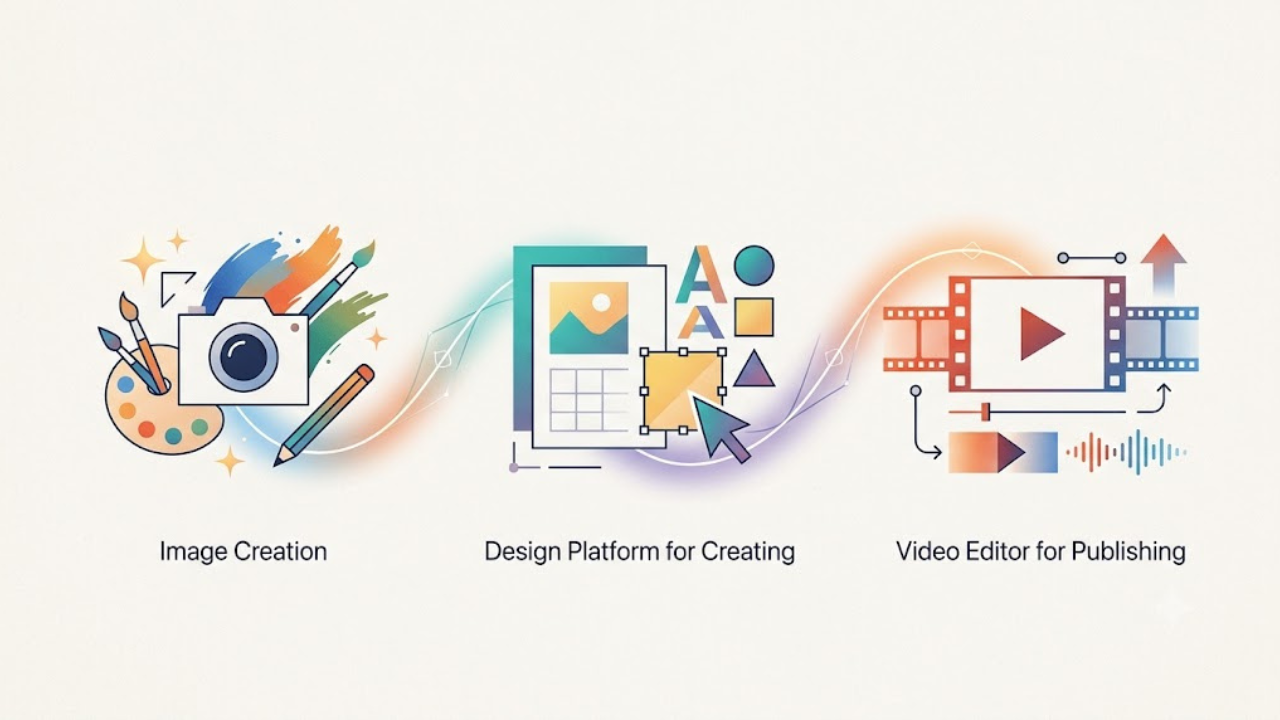
My honest take: Once more, it should be noted that none of these free tiers are charitable; rather, they serve as stepping stones to a paid plan, each of which is intended to show you just enough to entice you to upgrade. When combined, however, they accomplish far more than most people realize: a chatbot for creating images, a design tool for creating, and a video editor for publishing—all without using a credit card. You’ll probably find that it’s sufficient if you try the one that corresponds with what you’re really fixated on this week instead of the one with the most fanfare.



I’ve been meaning to check out Copilot’s image generation – it’s good to hear people are still finding the free tier useful.