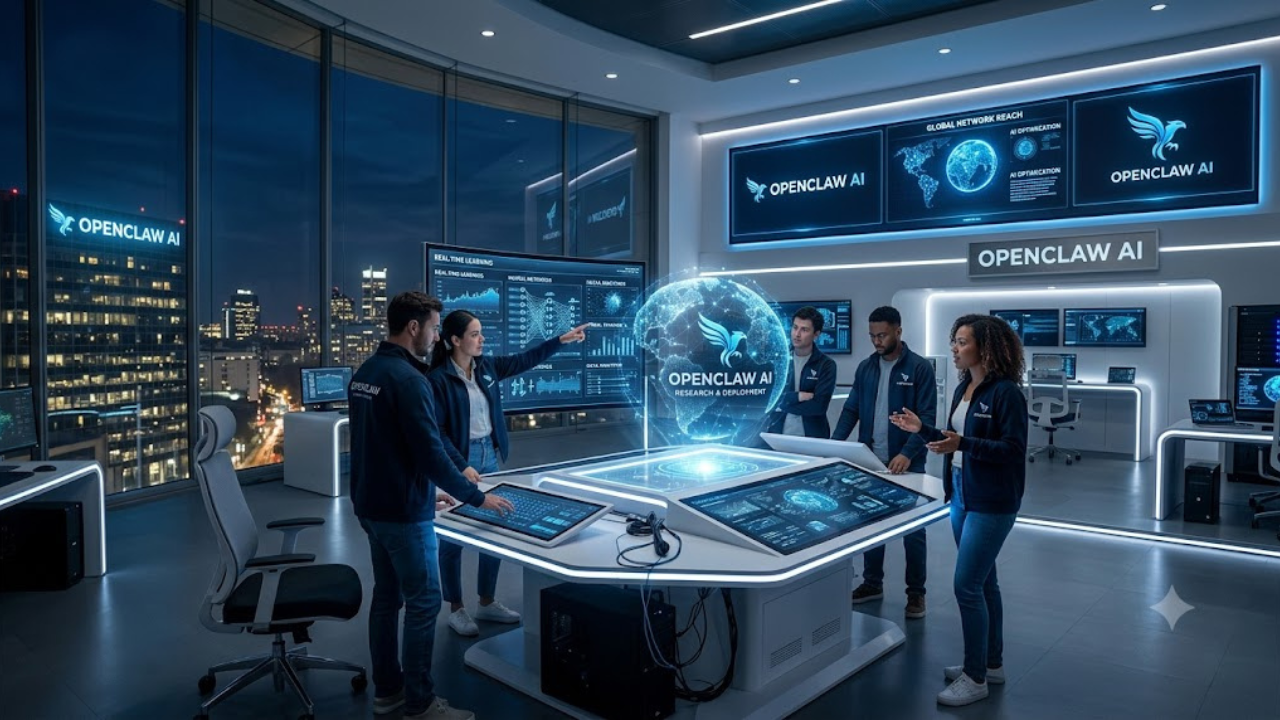
OpenClaw AI is your new digital helper. But first, let me tell you about it using simple words and in the simplest way that I can.
Imagine you have a super-smart toy robot, but instead of sitting in your room, this robot lives inside your computer.
People call this robot OpenClaw!
Here is how it works:
You text it like a friend
You don’t have to open a special, boring app to talk to it. You can just send it a text message on the apps you already use to talk to your friends or family, like WhatsApp, Discord, or Telegram.
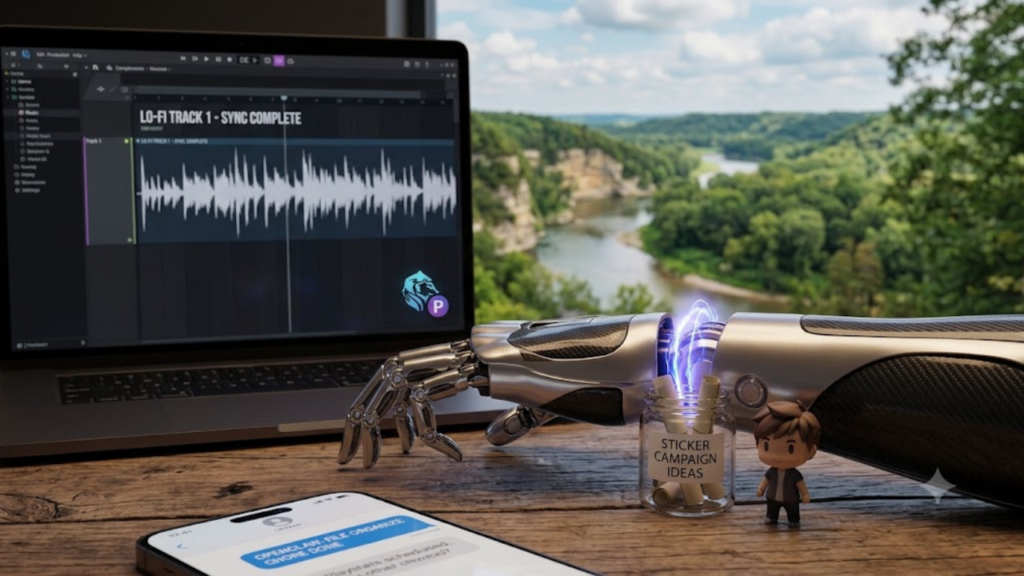
It has “hands” to do chores
Normal AI can only talk or answer questions. But OpenClaw is like an AI with hands! When you ask it to do something, it can actually move things around on your computer.
- It can look at your calendar and schedule a playdate.
- It can write and send an email for you.
- It can organize the files on your computer.
- It can even open a internet browser and find a specific website for you!
It stays in your house
Most AI assistants live far away in giant, secret computer warehouses owned by big companies. But OpenClaw lives right inside your computer. It keeps all your private secrets, photos, and messages safe at home, so no one else can peek at them.
In short: OpenClaw is a helpful little helper that lives on your computer. You can text it commands from your phone, and it will jump to work doing real digital chores for you!
And now for the technologists out there, here’s my techie overview of OpenClaw.
What is the OpenClaw AI? It is specifically classified as an autonomous AI agent or an agentic AI framework.
Rather than being a standalone AI “model” (like GPT-4 or Claude), OpenClaw functions as an orchestration layer—a “brain” that connects large language models (LLMs) to your local machine and your favorite messaging apps.
How to Categorize OpenClaw
You can think of OpenClaw in the following categories:
Autonomous AI Agent: Unlike traditional chatbots that only respond to prompts, OpenClaw is designed to be proactive. It can run in the background (as a daemon), follow “heartbeats” to perform scheduled tasks, and execute multi-step workflows without constant human intervention.
Local-First Agentic Framework: It is software that you install and host on your own computer (Mac, Windows, or Linux) rather than accessing it through a cloud-based web interface. It acts as a gateway that bridges the gap between an LLM and your local system’s files, shell commands, and browsers.
Personal AI Assistant: Its primary use case is to act as a 24/7 assistant that you interact with via familiar messaging platforms like WhatsApp, Telegram, Slack, Discord, or iMessage.
Key Characteristics
To help you understand how it fits into the AI landscape, here are its defining features:
Integration over Interaction: While it uses LLMs to “understand” and “plan,” its core purpose is to “do.” It uses “Skills”—community-contributed plugins—to interact with your digital environment (e.g., clearing an inbox, managing a calendar, or controlling smart home devices).
Persistent Context: Because it runs locally, it maintains long-term memory of your interactions, stored as local files (Markdown/YAML), allowing it to build a persistent persona and remember your preferences over time.
Model Agnostic: OpenClaw does not come with a built-in model; it is designed to use whatever LLM you choose. You can connect it to cloud-based APIs (like those from OpenAI or Anthropic) or use local models (via tools like Ollama or LM Studio) to keep all processing strictly on your hardware.
A Note on Safety
Because OpenClaw is an agent with the ability to execute shell commands and access files, it carries a different risk profile than a standard chatbot. It is frequently discussed in security circles because granting an autonomous agent deep system access creates a significant “attack surface,” meaning it is vital for users to be cautious about which “Skills” they install and what permissions they grant to the software.